PROJECTS / CALLSIGN FPV
Callsign FPV
COMING SOONFPV radio sounds, OSD fonts and start-screen emblems, made on your iPhone
SCREENSHOTS
PROJECT OVERVIEW
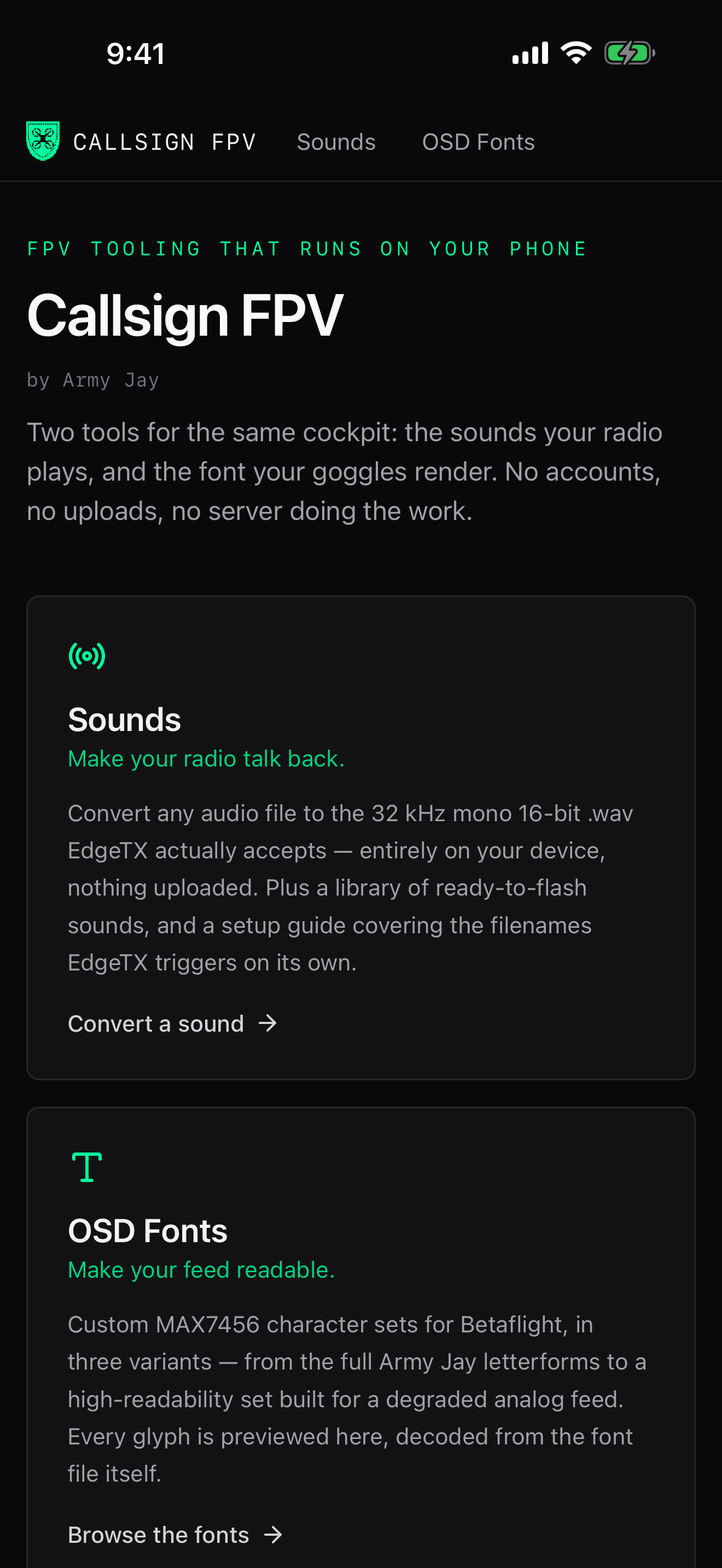
Callsign FPV is the toolkit I wanted at the field: the sounds my radio plays, the font my goggles show, and my own emblem on the start screen, all made on the phone already in my pocket.
Why this app
EdgeTX radios are picky about audio. A callout only plays if it’s a 32 kHz, mono, 16-bit WAV with the exact filename the radio expects for that event, and getting there usually means a desktop audio editor and a filename cheat sheet. Betaflight’s analog OSD has the opposite problem: the stock font is thin and disappears against a bright sky or a noisy feed.
How it works
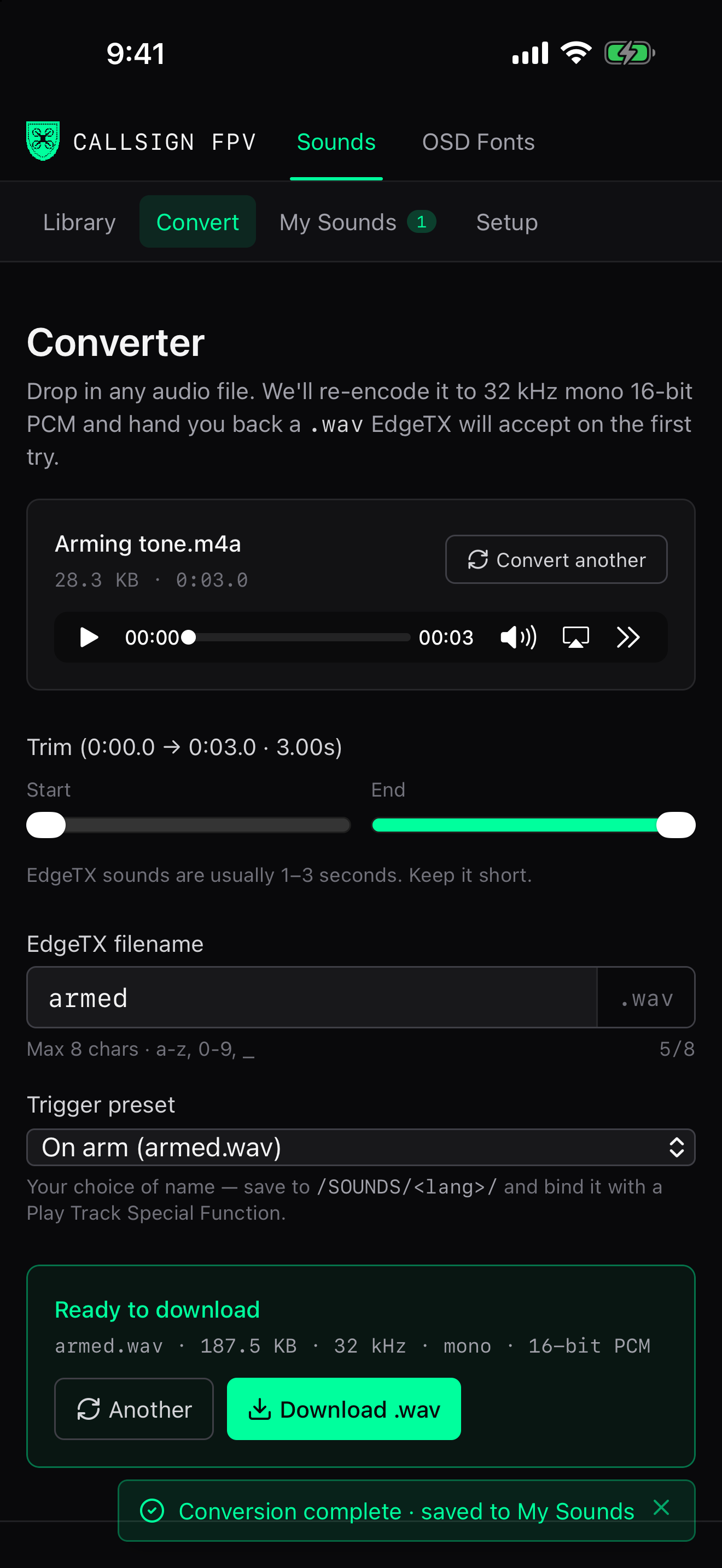
Pick an audio file from Files, trim it, choose the event it should play on, and Callsign FPV converts it right on the iPhone, using the phone’s own audio decoder. Save the result to Files or AirDrop it to your computer and drop it on the SD card. Every clip you convert is kept in My Sounds.
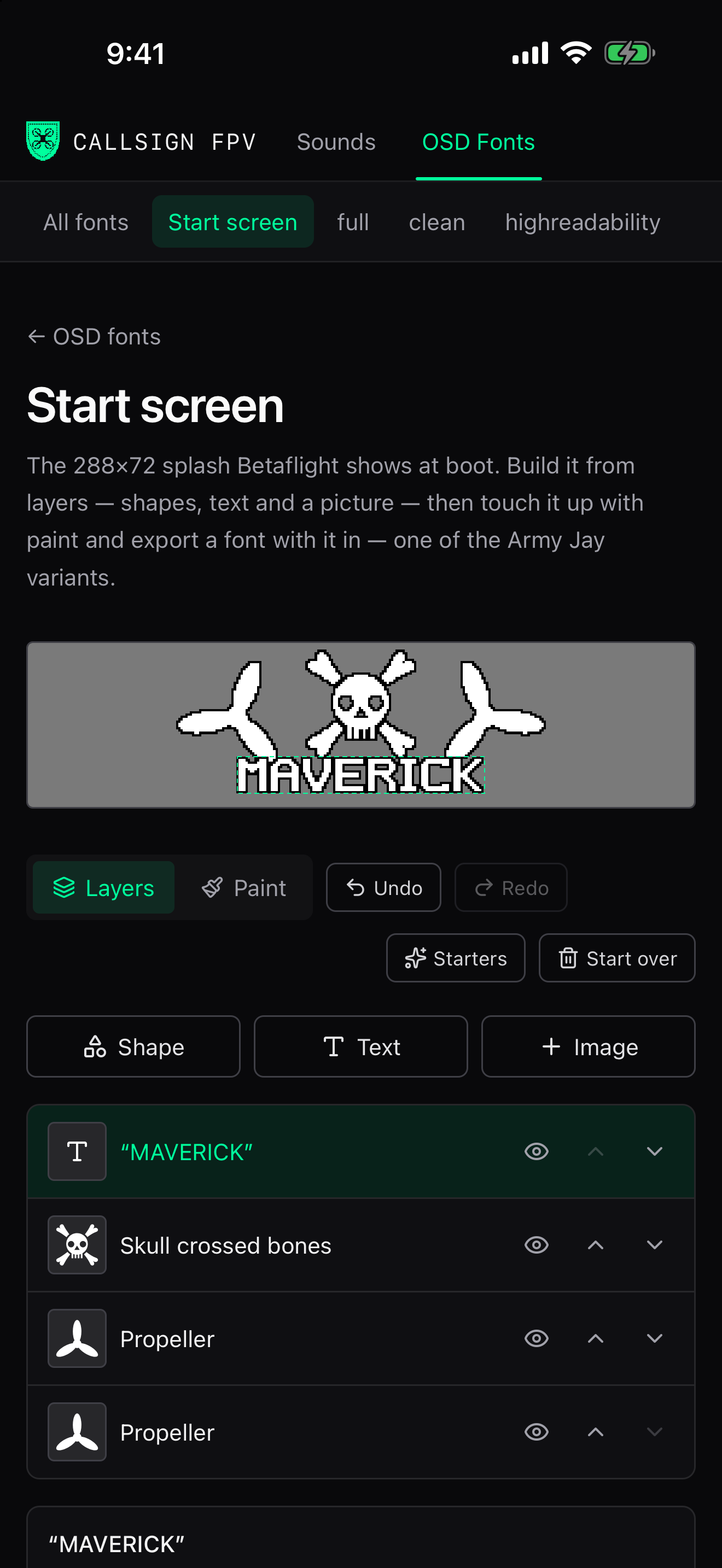
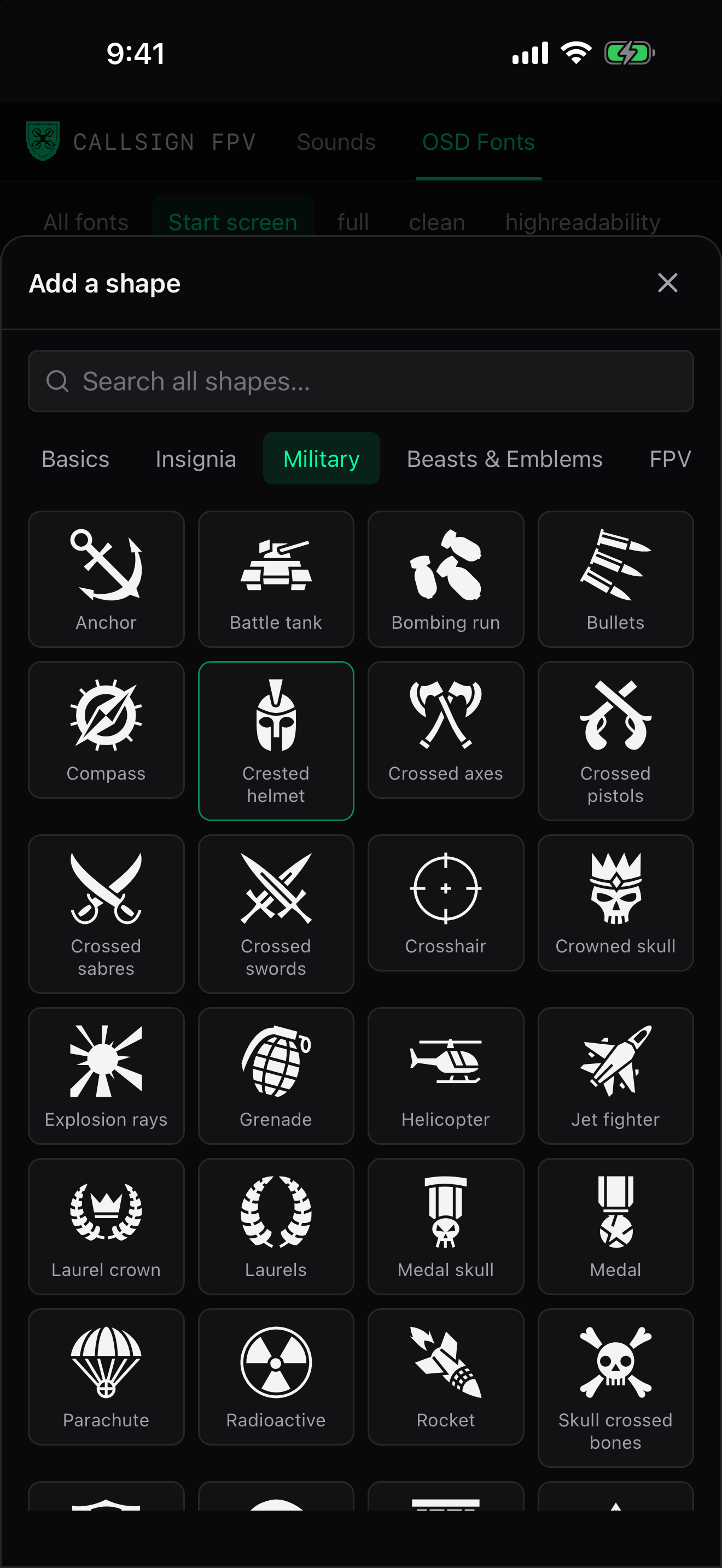
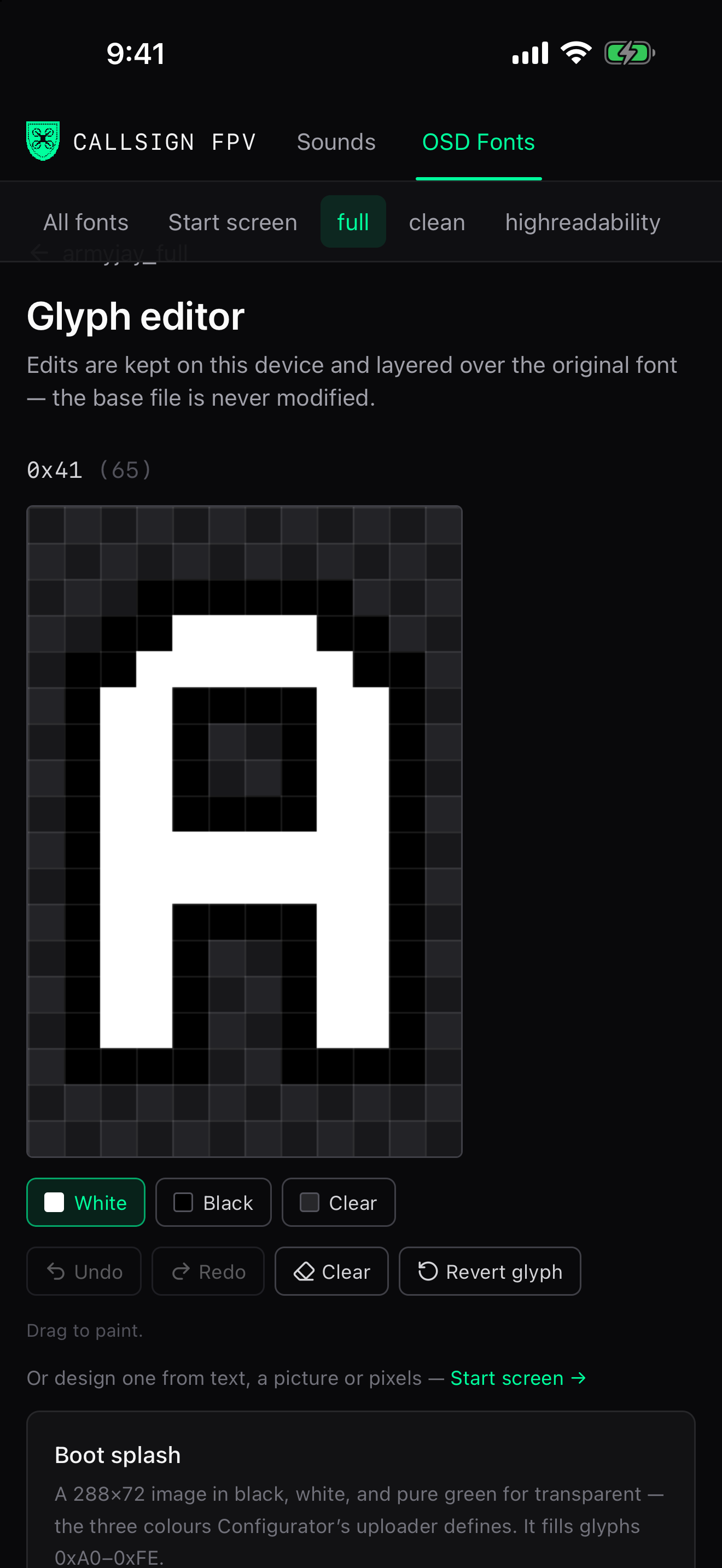
On the OSD side, browse the three Army Jay fonts glyph by glyph and edit any of them pixel by pixel. Then build the start screen Betaflight shows at power-up like a game emblem: stack shapes from skulls and eagles to rank chevrons and quads, add your callsign, and drag, pinch and twist each layer into place. The result is a standard .mcm file for Betaflight Configurator’s Font Manager.
Privacy-first by design
No account. No analytics. No crash reports. No network calls. The files you pick are read on your phone, and everything Callsign FPV saves (your converted sounds, font edits and splash designs) stays in the app’s storage on your device. Callsign FPV is open source; the code is on GitHub.
Disclaimer
Callsign FPV is not affiliated with or endorsed by the EdgeTX or Betaflight projects. Always check your radio’s sounds and your OSD on the bench before you fly.
PROJECT FEATURES
EdgeTX sound converter
Turn MP3, M4A, WAV or FLAC into the 32 kHz mono 16-bit WAV EdgeTX radios play, trimmed and named for the event
My Sounds
Every clip you convert is kept on your phone, ready to save as one ZIP for your SD card, alongside a few ready-made warning tones
Army Jay OSD fonts
Three MAX7456 character sets for analog Betaflight OSDs, every glyph outlined to read over sky and ground
Pixel glyph editor
Edit any glyph with your finger, with undo, and save a .mcm ready for Betaflight Configurator
Emblem builder
Stack 100+ shapes, text and a picture into the 288x72 start screen Betaflight shows at power-up: drag, pinch, twist
100% on-device
No account, no tracking, no server. Works offline; nothing is uploaded